Vibe Viewer
Free
Join, watch and control.
- Open a link and you are in
- Watch with the Mac's sound
- Take control when the Mac allows it
- Chat, draw, point and talk
iPhoneiPadMac
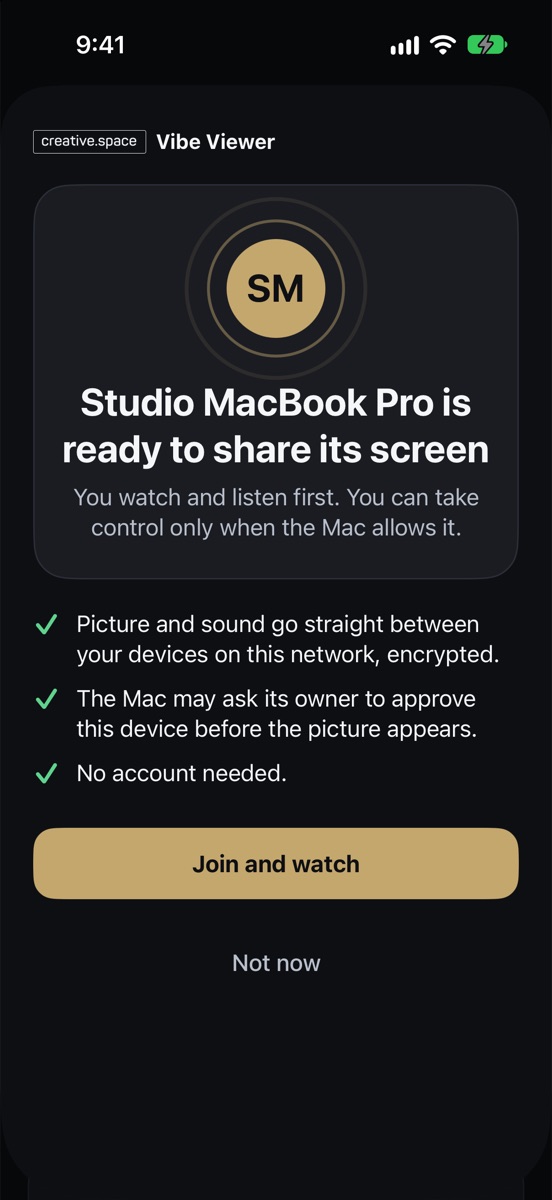
 Vibe
Fluid picture, clean sound and real control, sent straight from your Mac to your iPhone, iPad or another Mac.
In testing now. Pricing for Vibe Access to be announced. Vibe Viewer is free.
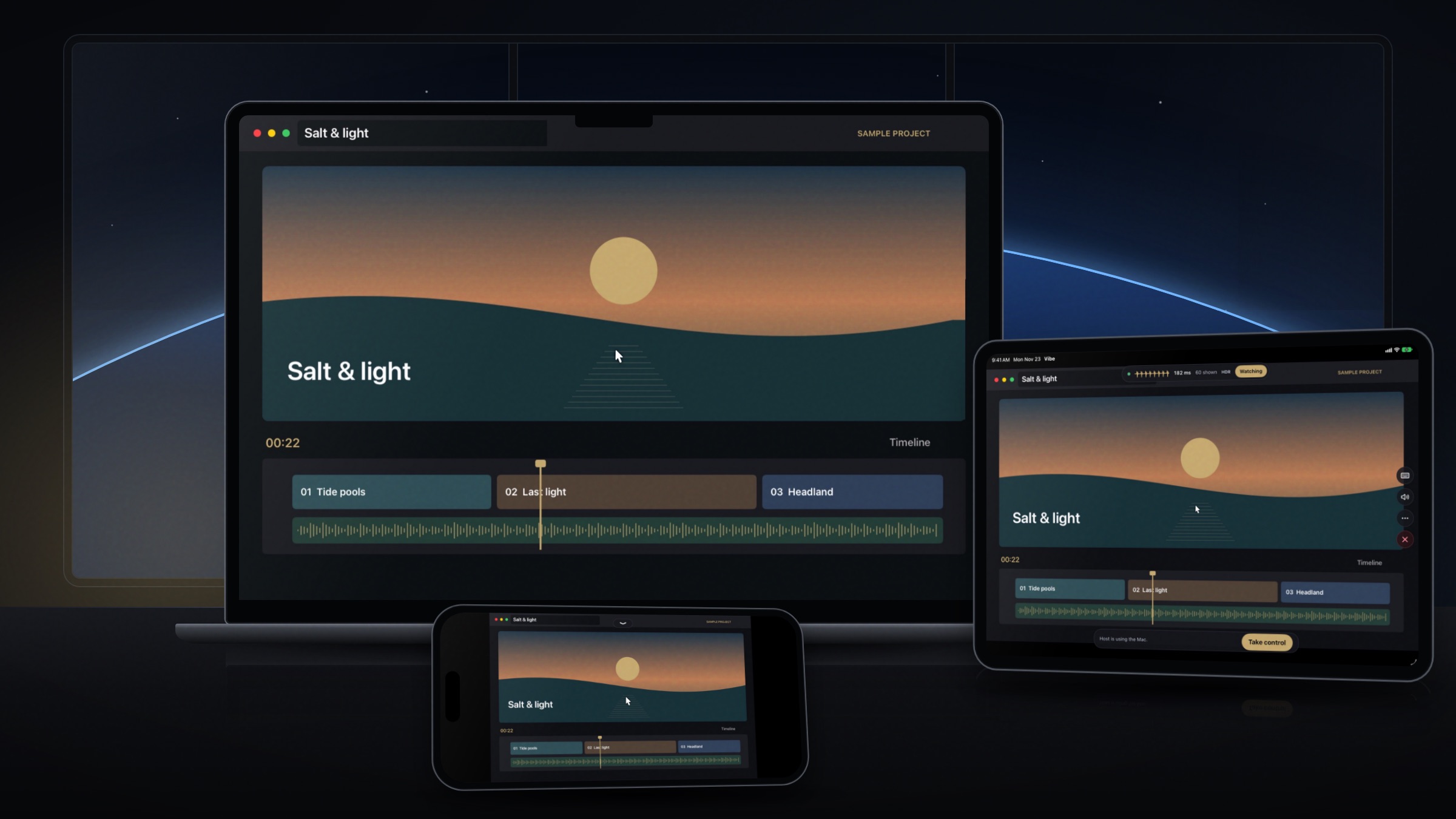
Picture and sound / 02
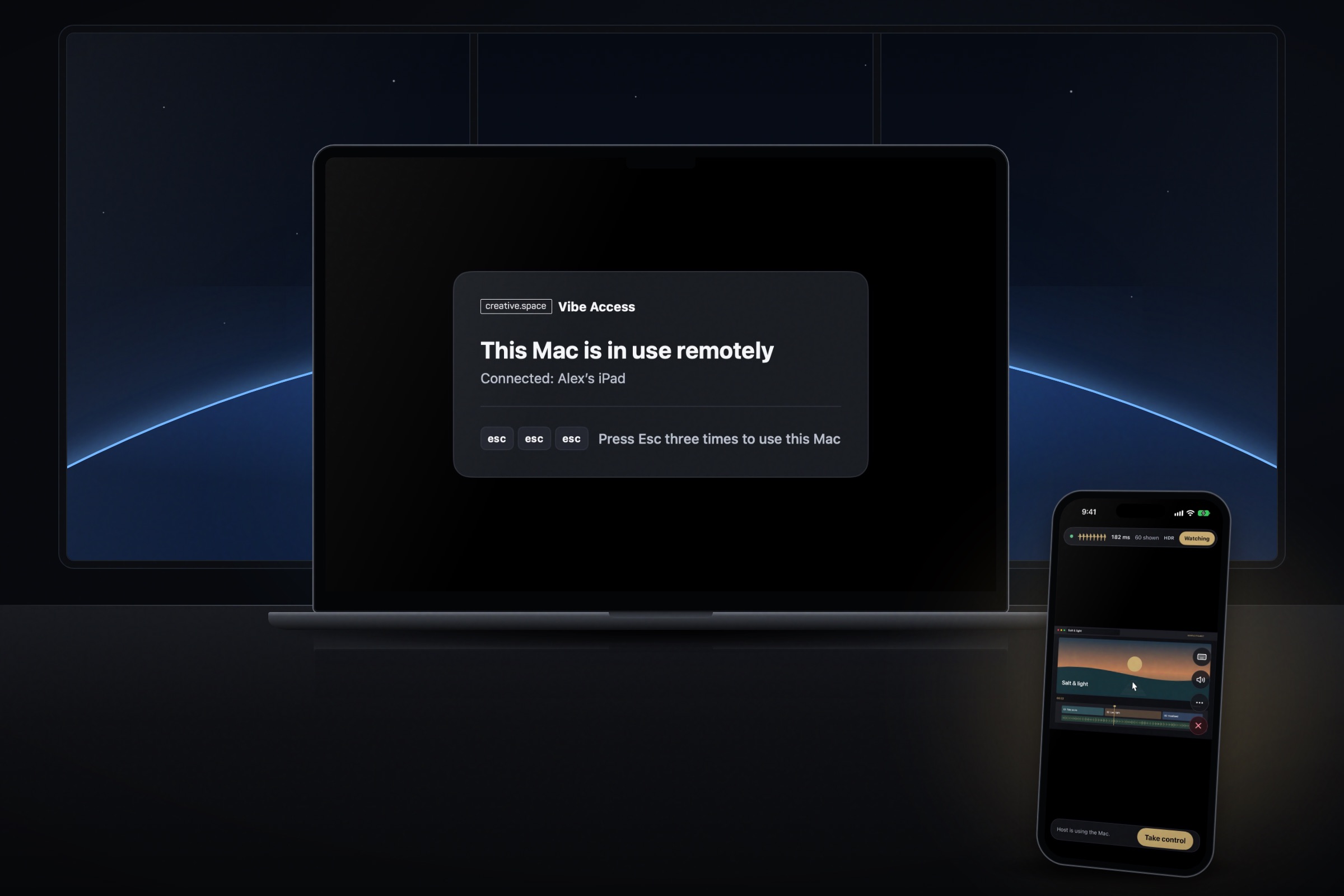
Built for picture that moves: an edit, a grade, a timeline playing. Film keeps its rhythm, sound stays clean, and the pointer answers when you reach for it.
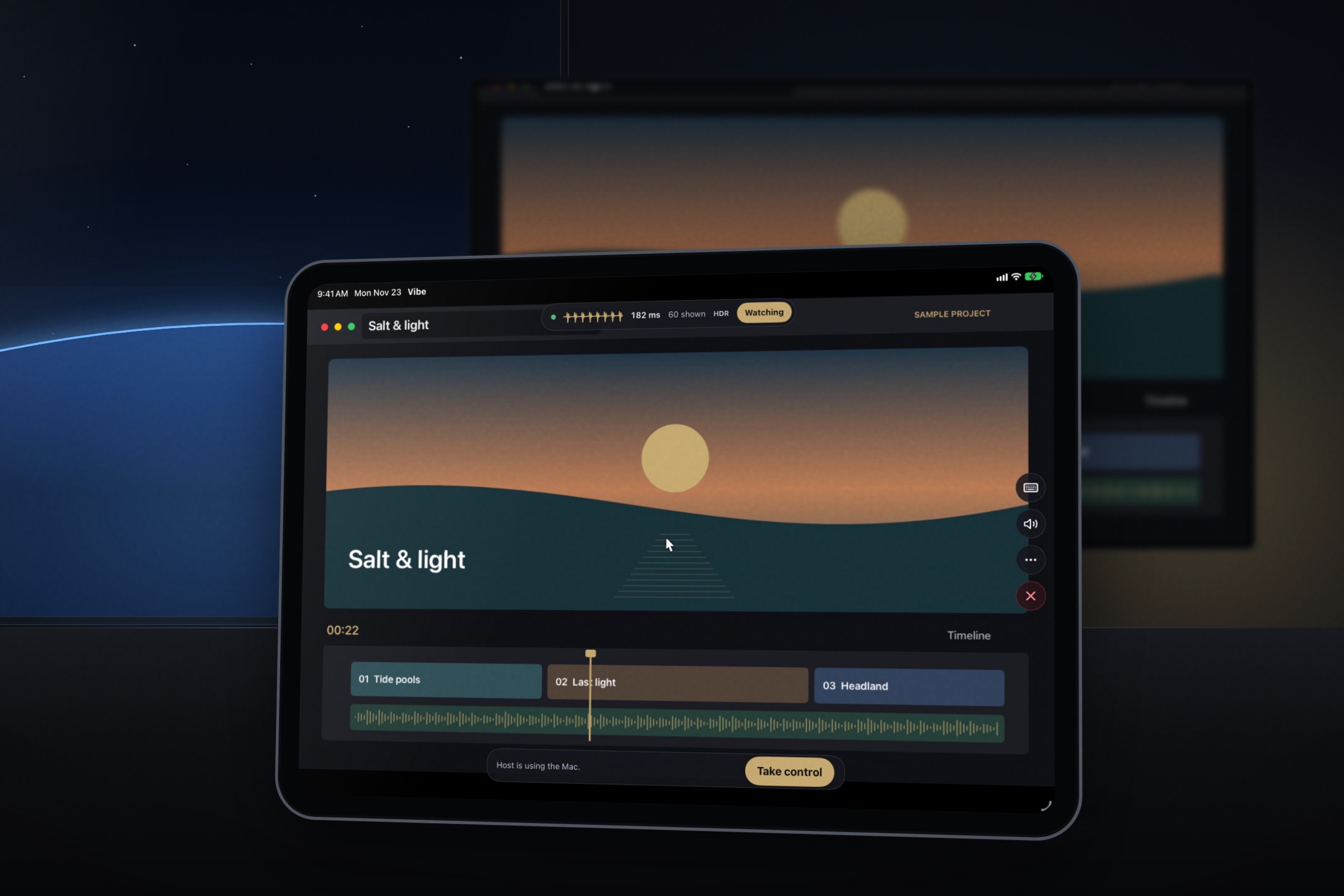
Keeps a little picture in hand, so motion plays evenly when the link wavers.
Shows each picture as soon as it can, so the pointer feels immediate.
Responsive while you work the Mac, Smooth again four seconds after you stop.
Resize the window or turn the iPad, and the picture refits in a blink, without a pause in the sound.
Two apps / 03
Free
Join, watch and control.
iPhoneiPadMac
For the Mac you share
Share your Mac, your way.
Macalso joins other Macs
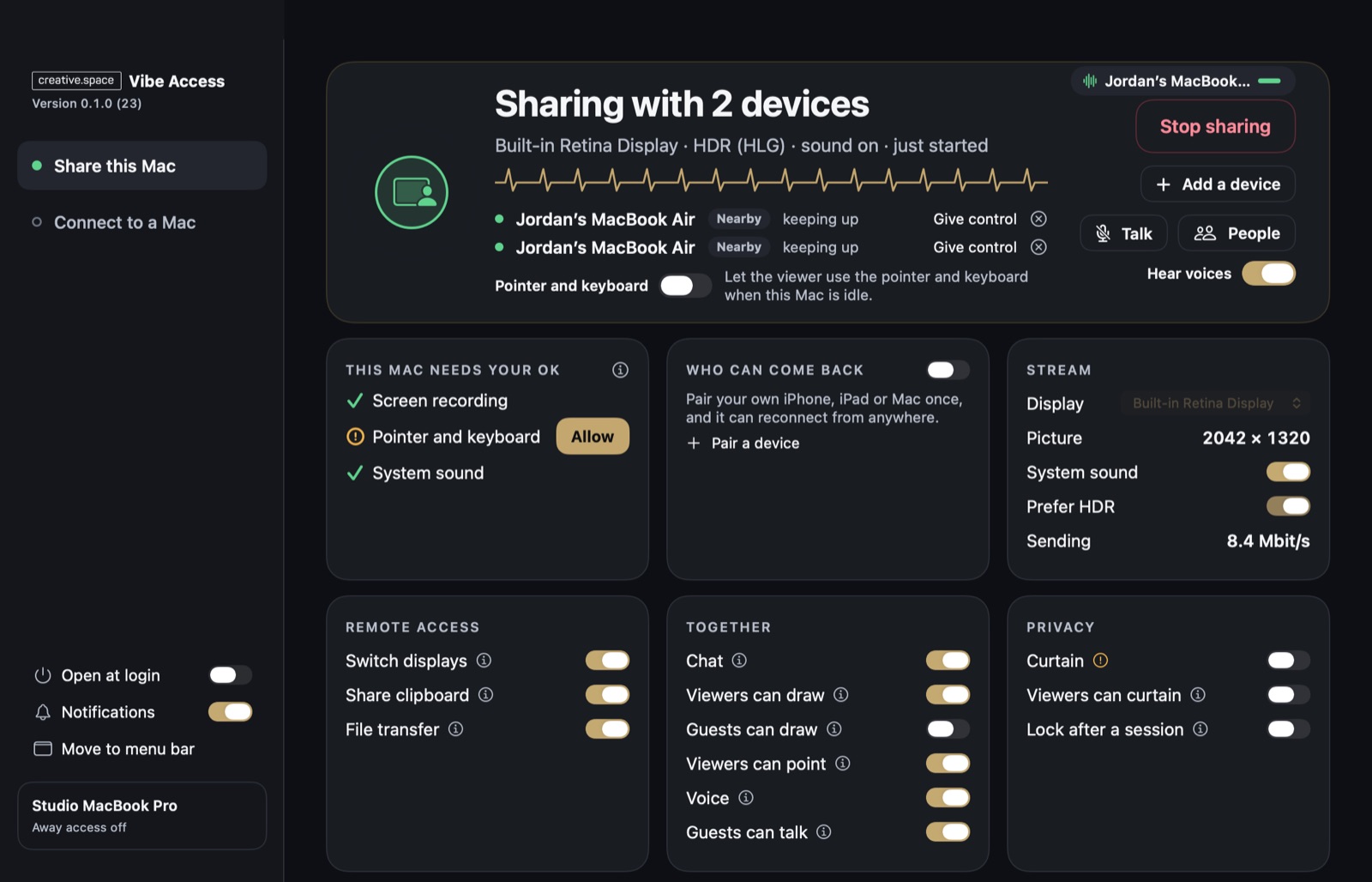
A guest needs only the free viewer and your link. No account, no code to read out.
Control / 04
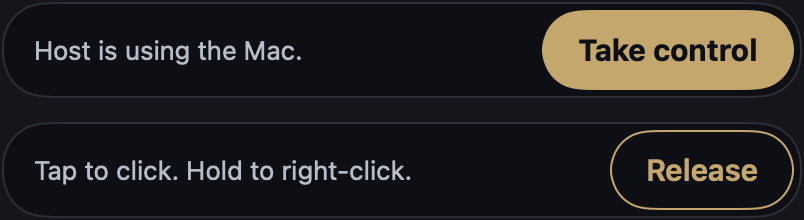
Take control, and your fingers become the Mac's pointer. Every gesture means what you expect.
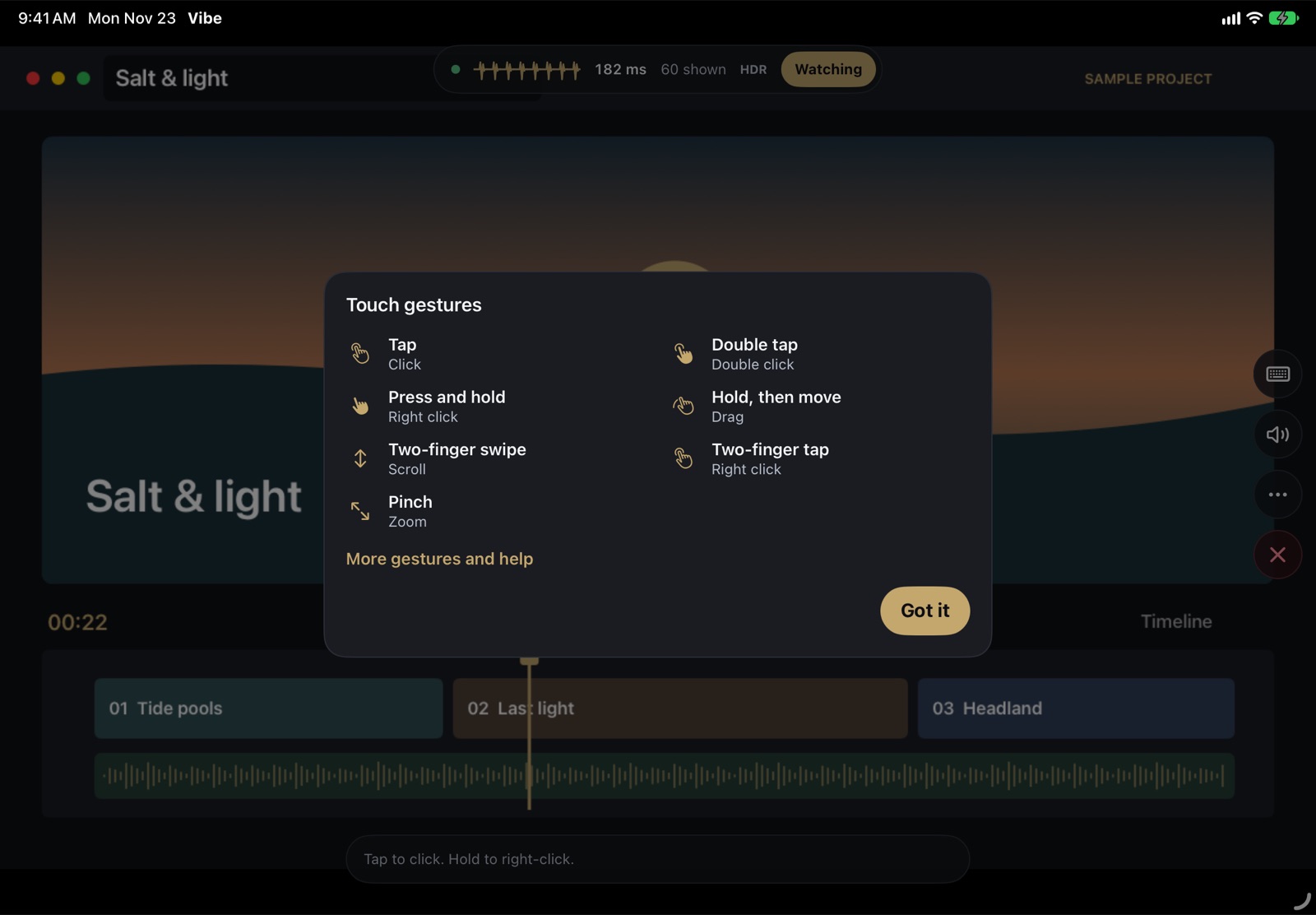
Touch puts the pointer where your finger lands. Trackpad moves it like a laptop's, for small targets.
Tap a field on the Mac and the keyboard opens. On a Mac, click the picture and your keys go with it; Control-Option-Esc brings them home.
When someone at the Mac moves the mouse, their input wins, and yours waits until they stop.
Together / 05
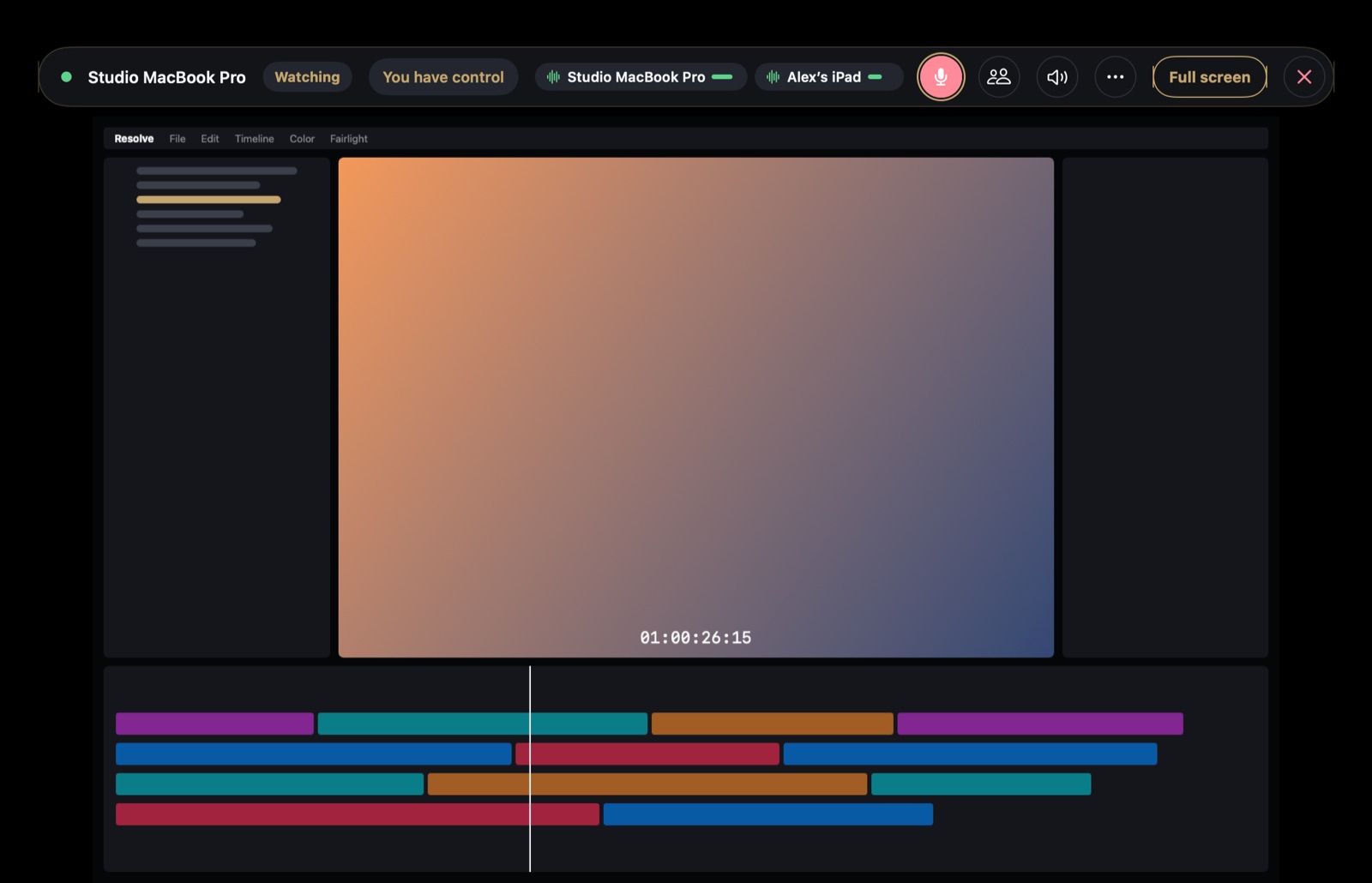
Up to four people on one Mac, one picture for all, one person at a time in control.
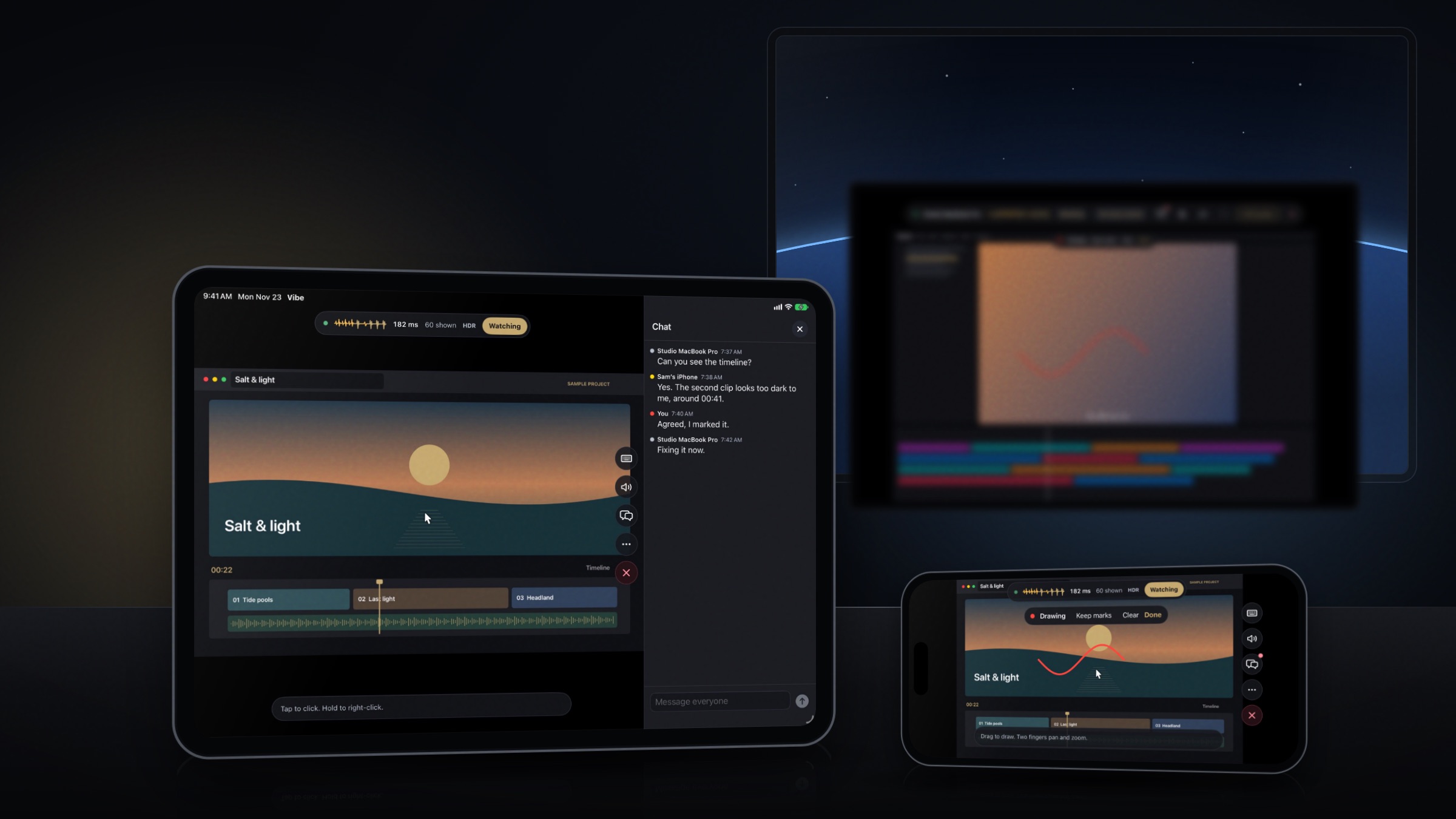
Messages go to everyone in the session. The Mac's chat window is left out of the picture.
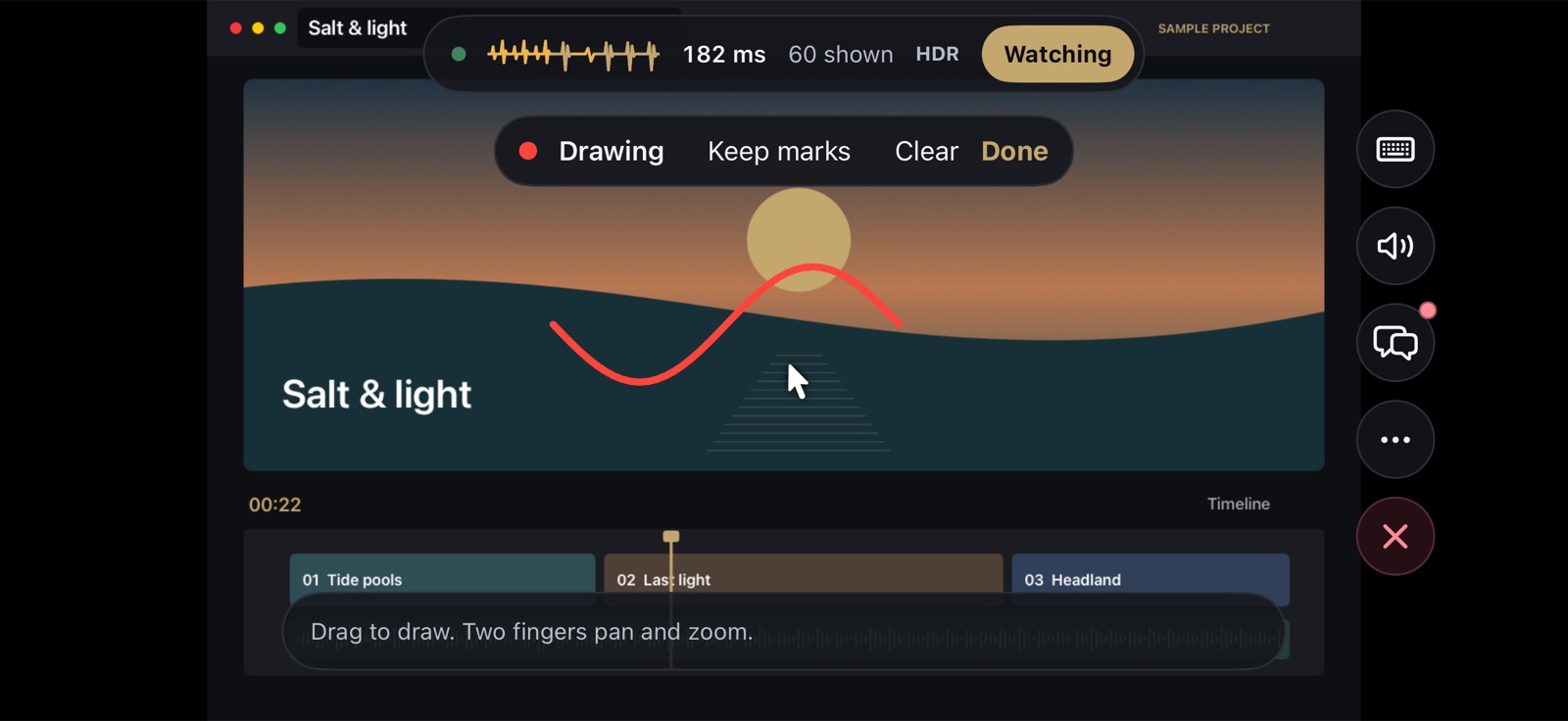
Mark the picture and everyone sees it. Marks fade, or stay until you clear them.
Double tap, or Option-click, and a ring shows everyone the spot.
Turn on your microphone, or hold to talk. Under a tenth of a second, device to device, on a local network.
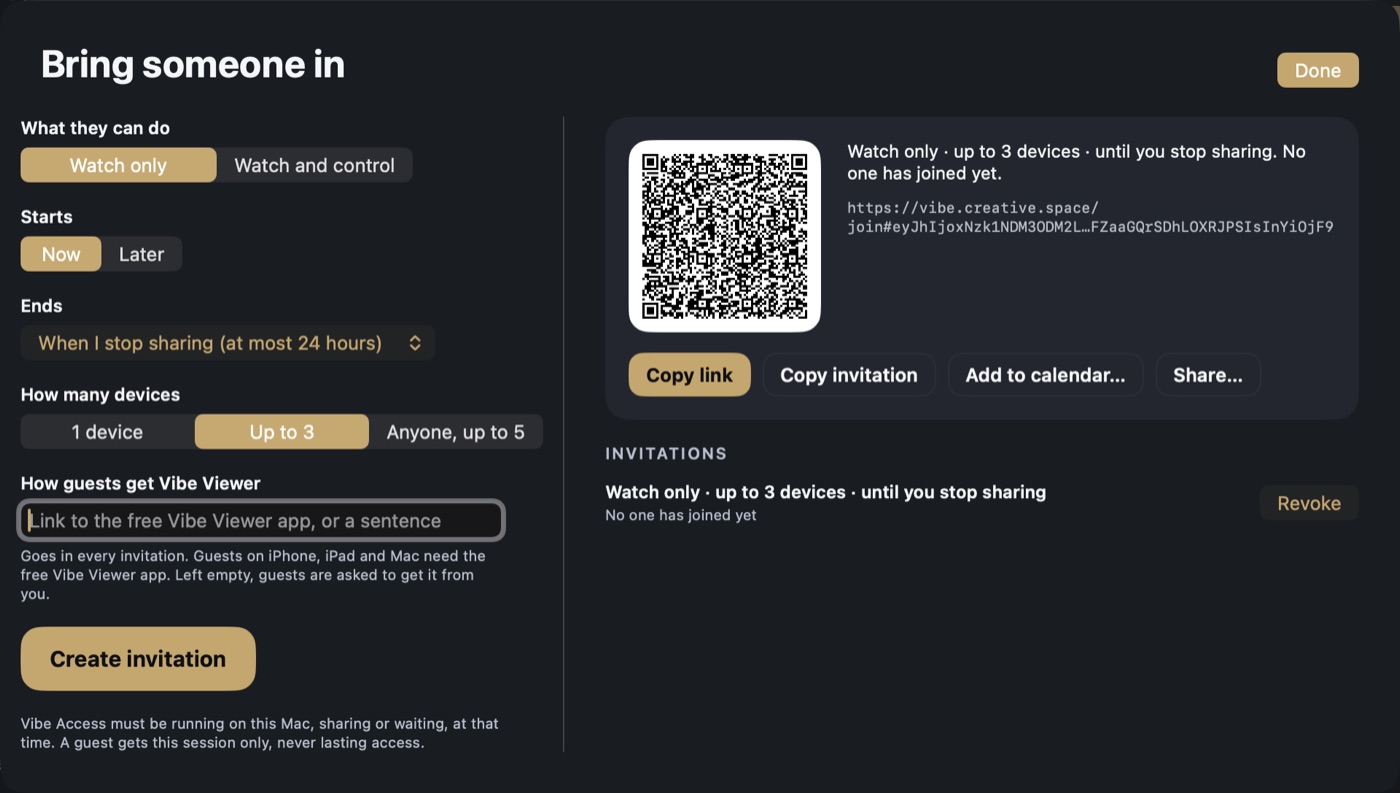
Choose what they can do, when it starts and ends, and how many devices may use it. Then send it the way you like.
A guest gets that session only, never lasting access. Revoke turns a link off at once.
Away access / 06
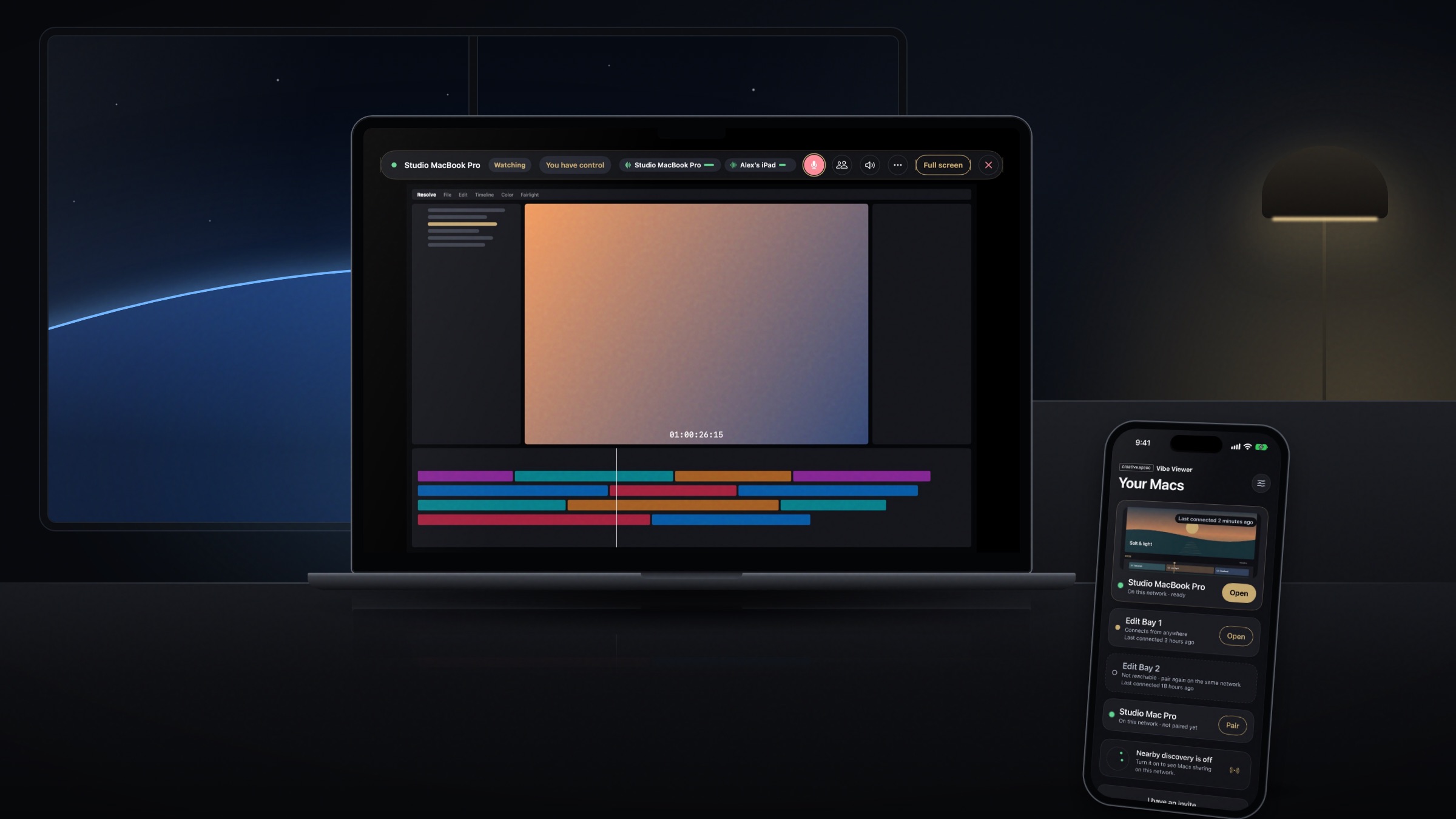
Pair a device once, nearby. With Away access on, it can open your Mac across the internet whenever the two devices can reach each other directly.
Some networks, cellular ones especially, block direct connections. Then the session doesn't start; try another network.
Private by design / 07
Link health / 08
Most remote screens just get worse. Vibe tells you why. A heartbeat over the picture beats once a second; tap it for a score and a sentence that says what happened.
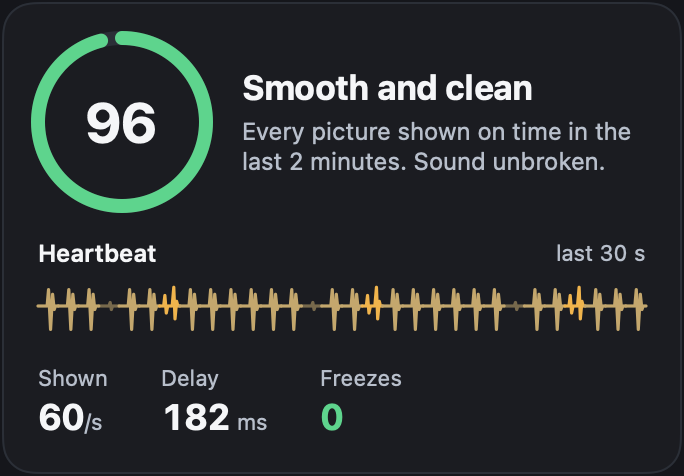

Even gold beats: pictures arrive on time.
Small, faint beats: nothing changed on the Mac.
Amber, jagged beats: some pictures came late.
Freezes, late pictures and breaks in the sound are counted, not guessed.
Showcase / 09

Requirements / 10
No. A device is trusted only when you pair it nearby and approve it, and a guest joins with the link you send.
Yes, for your trusted devices with Away access on and for guests with a link, when the two devices can reach each other directly. Some networks, cellular ones especially, block that; then the session doesn't start.
Only if the invitation says Watch and control and remote input is on. You can take control back at any time, and a guest can never switch displays, share the clipboard or send files.
Up to four devices at once. They share one picture; one at a time controls. A viewer on a slow link catches up on its own without slowing the others.
Use it for review and feedback. The stream is compressed and looks different on every display; final grading needs a calibrated reference chain.
Vibe Viewer is free. Pricing for Vibe Access will be announced. Both apps are in testing today.